Generate subtitles for your Ukrainian videos

Create subtitles and text automatically with AI in 3 minutes

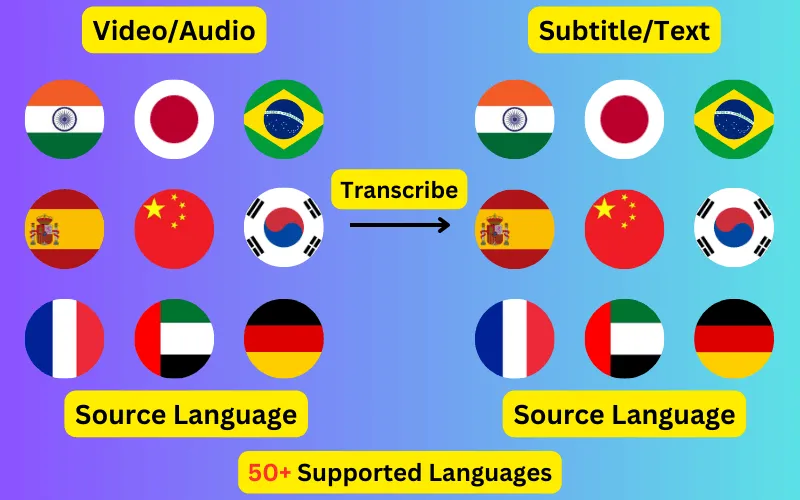
  • Transcribe audio/video to subtitles or text.
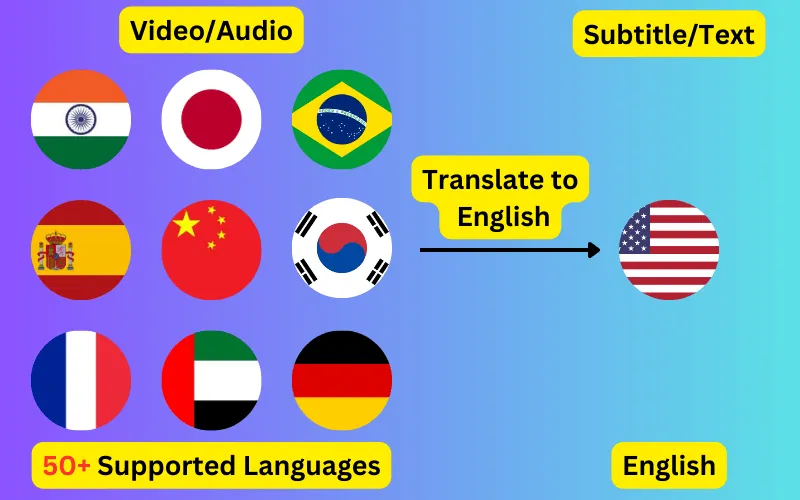
  • Translate audio/video into subtitles or text in any language.
  • 76 languages supported.
  • Add subtitles to your video or export them as SRT/VTT/plain text.
Trusted by 3000+ users.

Free: 3 files a day, up to 60 seconds each

Sign up for 5 a day

Mode:

Transcribe
Translate

Generate Ukrainian subtitles from any video or audio file. Speech is transcribed into Cyrillic with word-level timings, editable before you export it as SRT, VTT or plain text.

About Ukrainian transcription

Ukrainian (Українська) is written in Cyrillic and spoken principally in Ukraine. Subtitles generated here come back in that script, as ordinary written Ukrainian, ready to use in an SRT or VTT file.

Ukrainian and Russian share the Cyrillic script and a good deal of vocabulary, which makes automatic detection between them unreliable on short clips. Selecting the language explicitly avoids a confidently wrong transcript.


What a Ukrainian subtitle file looks like

Four lines as they come out of the exported SRT, in Cyrillic with the timings taken from the speech itself.

1
00:00:01,000 --> 00:00:03,240
Ви мене добре чуєте?

2
00:00:03,600 --> 00:00:06,120
Пишіть свої запитання нижче.

3
00:00:06,480 --> 00:00:09,300
На сьогодні все.

4
00:00:09,700 --> 00:00:12,040
До наступного разу.
EnglishUkrainian subtitle
Can you hear me clearly?Ви мене добре чуєте?
Please write your questions below.Пишіть свої запитання нижче.
That's all for today.На сьогодні все.
See you next time.До наступного разу.

Searching a Ukrainian transcript

Ukrainian is heavily inflected, so a term appears in a range of forms rather than repeating identically the way an English transcript would. That is correct output.

It does mean searching a transcript for a keyword will miss most of its occurrences unless you search for the stem — worth knowing before you use a transcript as an index.

What people caption in Ukrainian

The Ukrainian material that comes through most often is news, documentaries, interviews and streams. All of it works the same way — upload the file, check the transcript, export the subtitle track.

Getting a better Ukrainian transcript

  • Set the language to Ukrainian rather than leaving detection on, particularly for clips under a minute where there is little audio to judge from.
  • Upload the highest-quality audio you have; compression artefacts cost more accuracy than most people expect.
  • Check proper nouns, place names and numbers first — recognition errors concentrate there.
  • Read the transcript before exporting. Ukrainian subtitles are editable up until you download them.

Ukrainian subtitles in another language

The same Ukrainian audio can produce subtitles in any of the 76 supported languages instead of in Ukrainian itself. English is the most common target, but every pair works, and the translated file keeps the original timings so it drops onto the same video unchanged.

ByteDance logoBerkley university logoUniversity of Illinois logoAljazeera logo
Transcribe 76 languages to Subtitles or Plain Text

Transcribe

Transcribe Your Video/Audio Automatically, then add the subtitles to your video or export them as SRT/VTT/text.

76 Languages supported (See List)

Translate

Translate Video/Audio into Subtitles in Any Supported Language, Automatically. Burn them into the video or download them as SRT/VTT/text.

76 Supported Languages (See List)

Translate 76 languages to Subtitles or Plain Text

Supports Noisy Audio

Translate or transcribe audios recorded in a noisy environment with great accuracy.

Multilingual audio

Have video where multiple speak different languages? No problem!

Support for Diverse Accents

Different people from different places speak the same language differently, our AI can work through it seamlessly.

Common questions

How accurate are automatic Ukrainian subtitles?

Accuracy depends mostly on the recording. Clear Ukrainian speech with little background noise transcribes well enough to publish after a read-through; heavy noise, crosstalk and strong regional accents all reduce it. The transcript is editable before export for exactly that reason.

Can I get English subtitles for a Ukrainian video?

Yes — that is translation rather than transcription. Choose Ukrainian as the spoken language and English as the target, and you get an English subtitle file that keeps the original timings.

What file formats do Ukrainian subtitles come in?

SRT and VTT for timed subtitle tracks, and TXT for a plain transcript with no timecodes. All three come from the same job.

Do I need to type any Ukrainian myself?

No. The transcript is generated from the audio in Cyrillic. You only need to type if you decide to correct something in the editor before exporting.